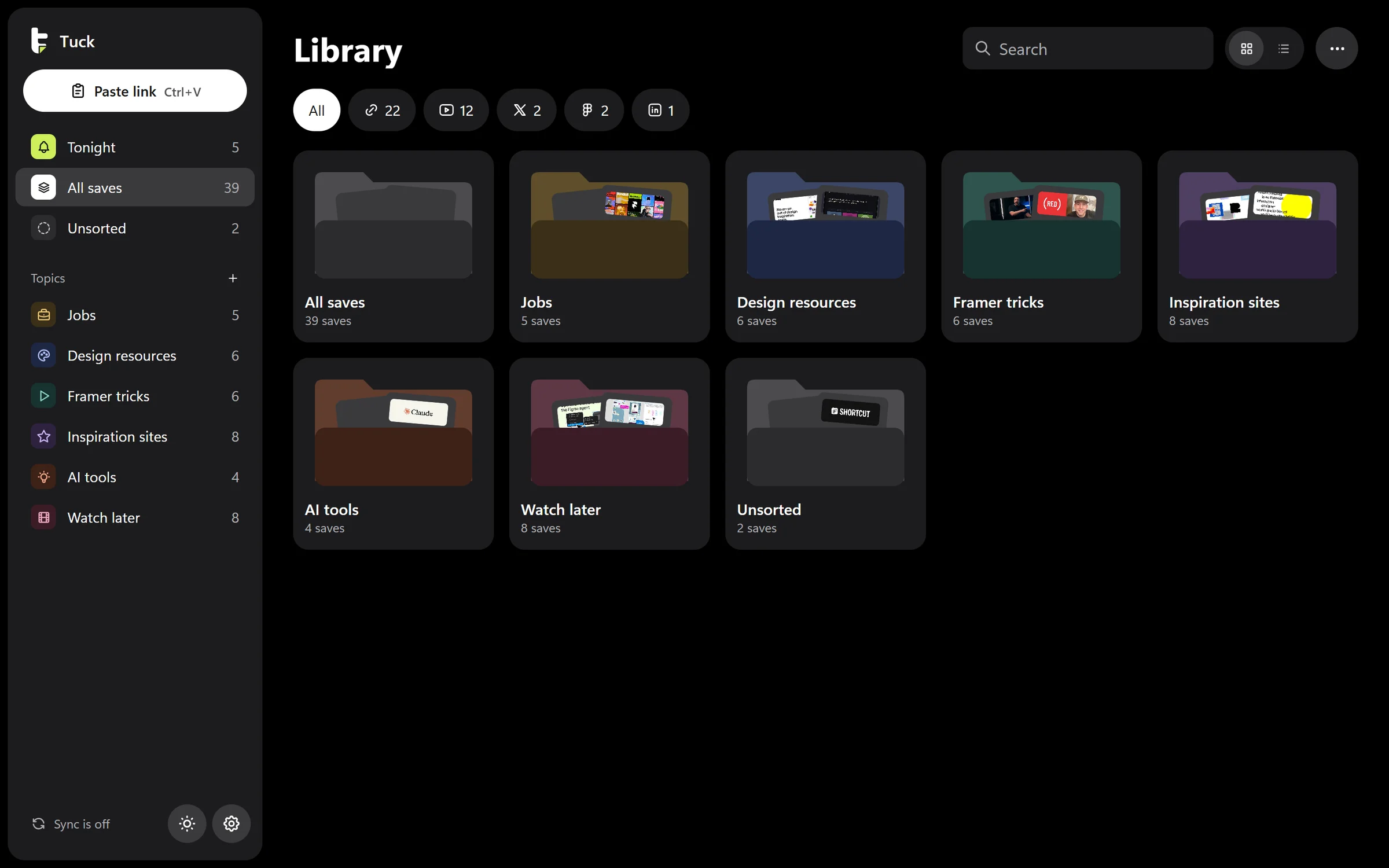
I kept sending links to myself on WhatsApp, where they sank under real messages and died. So I made Tuck. I wrote the requirements, designed the brand and every screen, and built it with AI coding tools: a Windows app I use every day, an iPhone app and a browser add-on, all synced.
CtrlVis all it takes on Windows
Tuck
Godly, design inspirationgodly.website
Tucked in Inspiration sites
Role
Designer and builder, my own product
Platforms
Windows, iPhone, browser add-on
Timeline
Sep to Oct 2026
Built with
AI coding tools, from my own specs
The problem
Links I sent myself sank within a day.
I find things on my phone, on the go, and act on them later at my laptop. So every link went to my own WhatsApp chat. Then real messages piled on top, nothing ever brought them back, and job posts closed before I looked again.
What success had to look like, measured on myself over three weeks
01I stop sending links to WhatsApp.
02After week one, most saves land in the right topic without me fixing it.
03I open Tonight at least four nights a week.
BNotes to selfMessage yourself
Product Designer, Framerframer.com
Send Kofi the invoice
Tailor closes at 5. Pick up the suit
Mobbin, UI and UX design inspirationmobbin.com
Gas is finishing, buy tomorrow
Call Mum after work
Cosmoscosmos.so
Top up electricity, 100 cedis
Product Designer, Framerframer.com
Send Kofi the invoice
Tailor closes at 5. Pick up the suit
Mobbin, UI and UX design inspirationmobbin.com
Gas is finishing, buy tomorrow
Call Mum after work
Cosmoscosmos.so
Top up electricity, 100 cedis
How it sorts itself
Every link drops until something knows where it goes.
Tuck picks a topic on the device, with no server and no paid AI. It checks four things in order and stops at the first one that knows. When I move a save, it remembers, so the next link like it lands in the right place.
01My past correctionsI moved a link from this site before, so this one follows.
02Link patternsCareers pages, LinkedIn jobs and job boards mean Jobs.
03Words in the title"Framer", "how to", "tutorial" and "hiring" each point somewhere.
04Not sureIt files the link under Unsorted and suggests a name. No guess dressed up as an answer.
Tuck
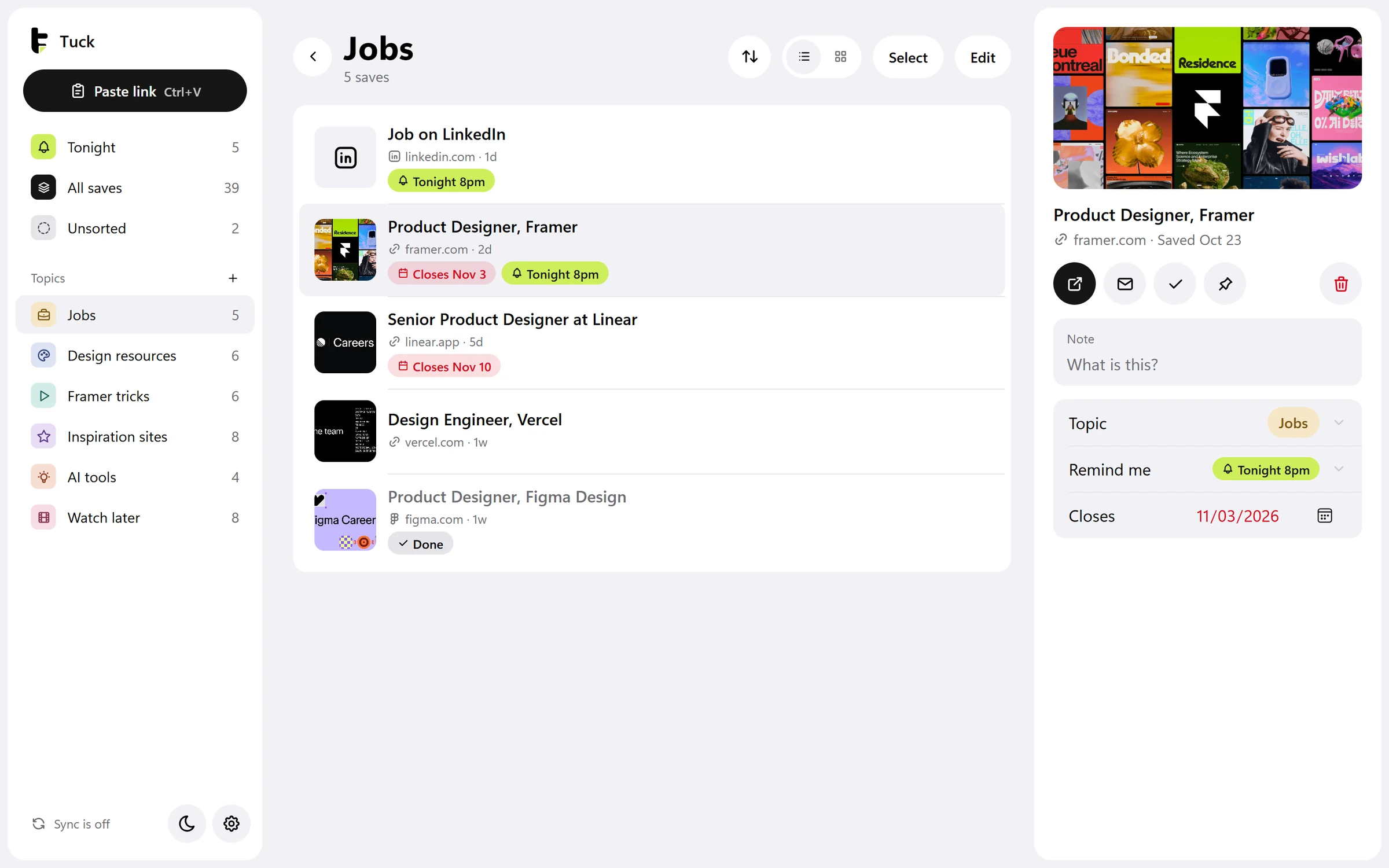
Where they land: the Jobs topic, with a LinkedIn job Tuck couldn't read still shown as a proper card.
Getting it back
39 saves. At 8pm, three.
A reminder only works if I act on it. So the evening doesn't dump everything on me. Tuck leads with three picks, says how long they'll take, and keeps coming back for anything I ignore, until I decide.
All saves39
Jobs5
Design resources6
Framer tricks6
Inspiration sites8
AI tools4
Watch later8
Unsorted2
Tonight, 8pm3
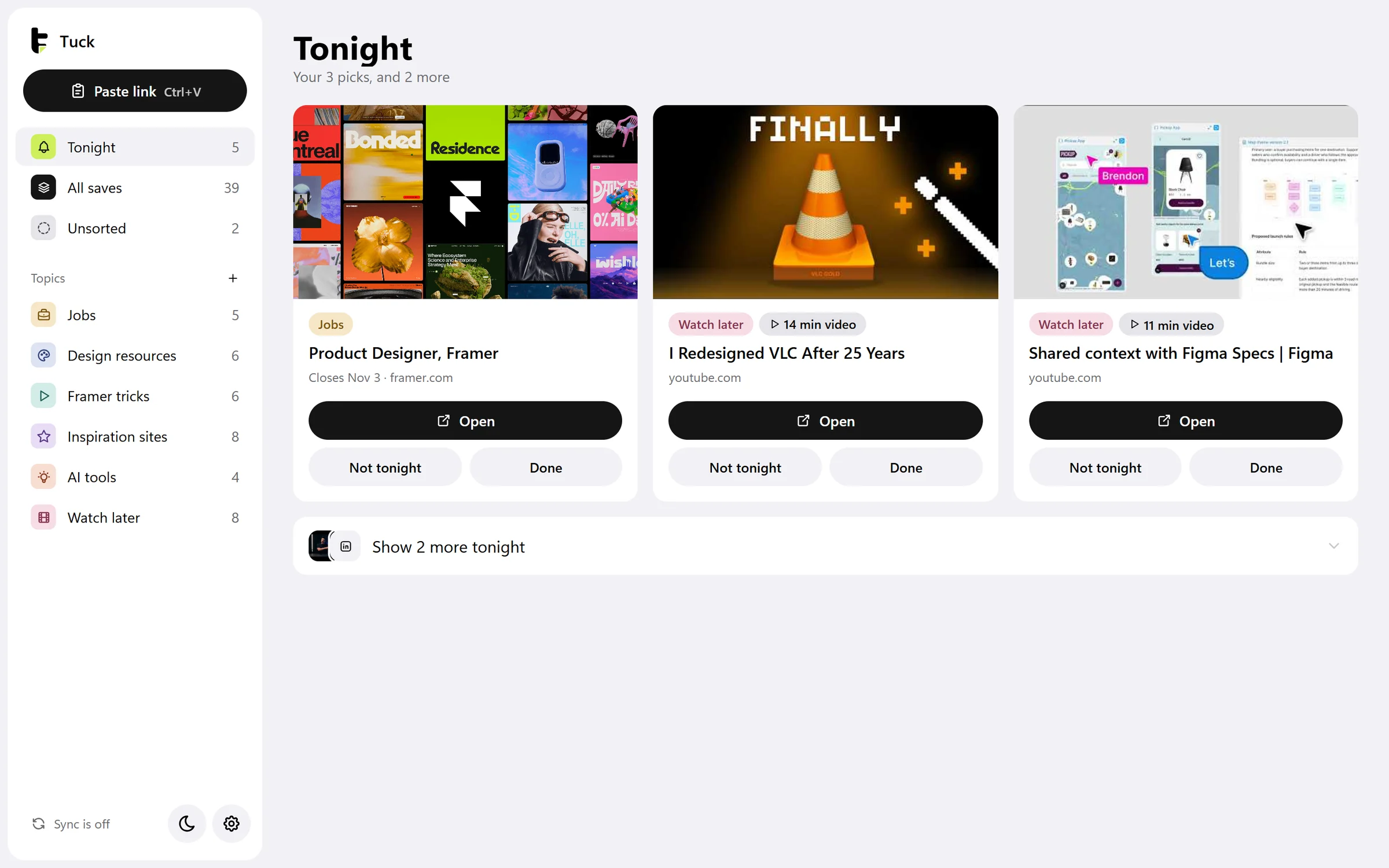
Closes soonestProduct Designer, FramerCloses Nov 3 · framer.com
Waited longestI Redesigned VLC After 25 Years14 min video · youtube.com
Waited next longestShared context with Figma Specs | Figma11 min video · youtube.com
About 25 min in all. Two more wait under Show more.
Tuck
The same three in the app, each with Open, Not tonight and Done.
On the phone
Most links find me on my phone. Saving one is a single tap.
The iPhone app opens straight to one button. Copy a link anywhere, open Tuck, tap. Everything else is the same library and the same evening as on my laptop, sized for a thumb.
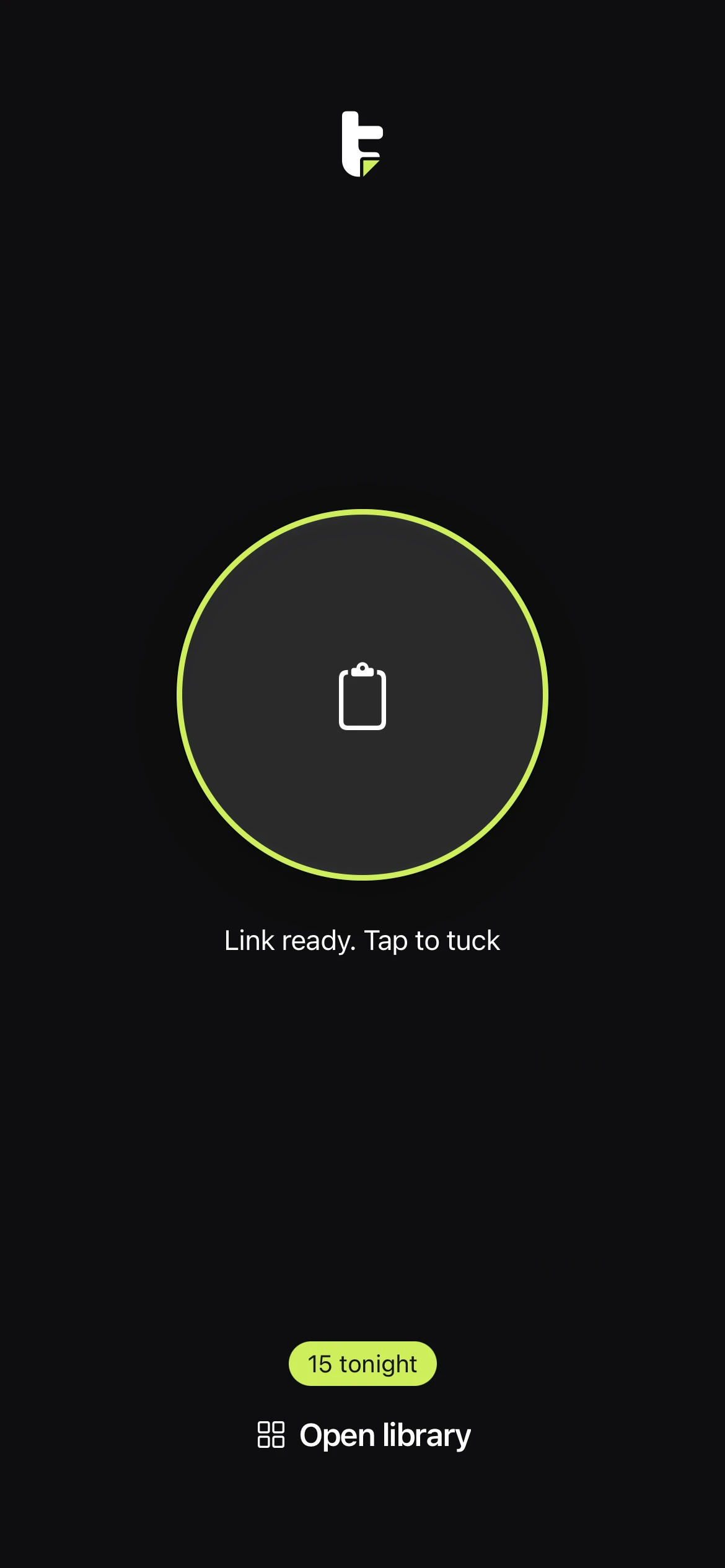
01Copy, then tap
Open Tuck and it has already found the copied link. The ring lights up lime.
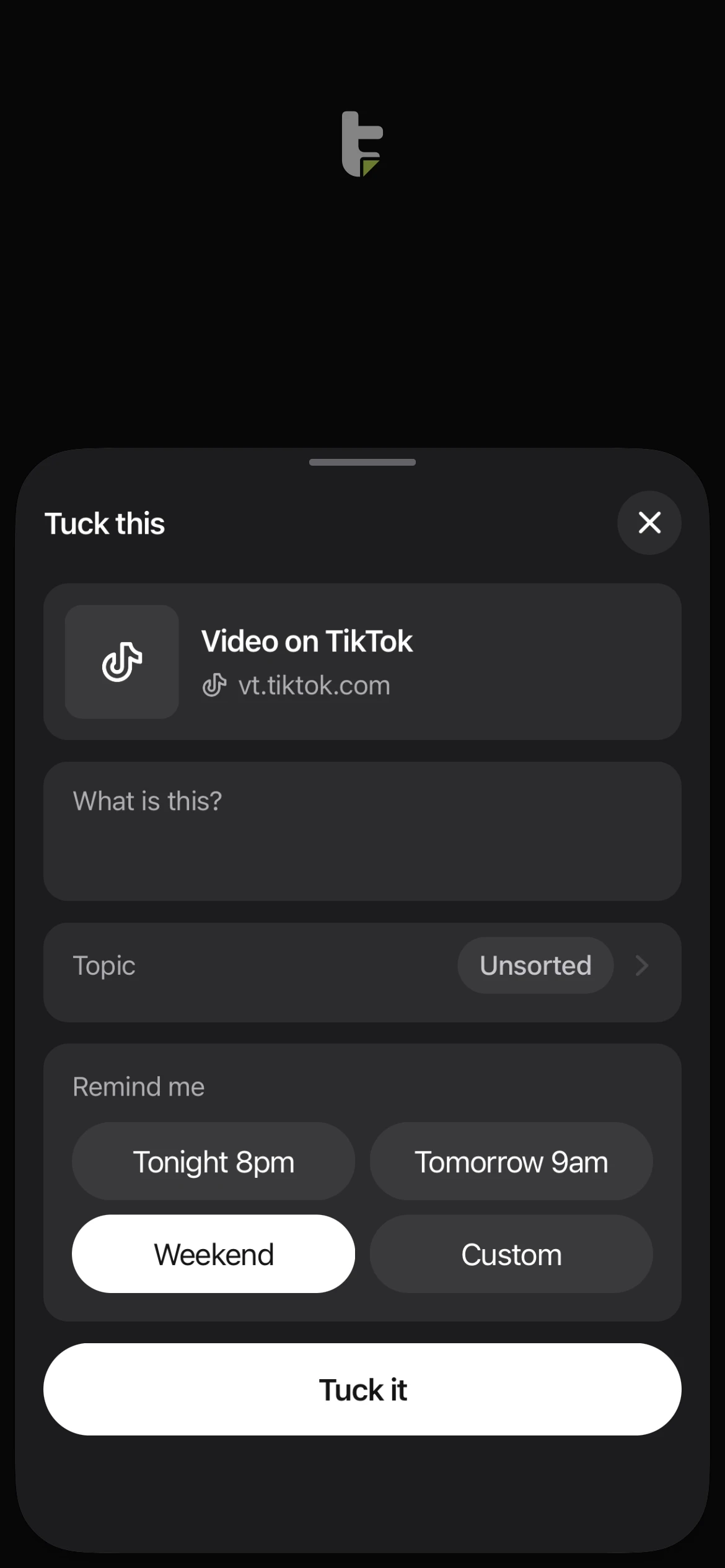
02Say what it's for
A note, a topic and a time to be reminded. All optional, so a tap on Tuck it is enough.
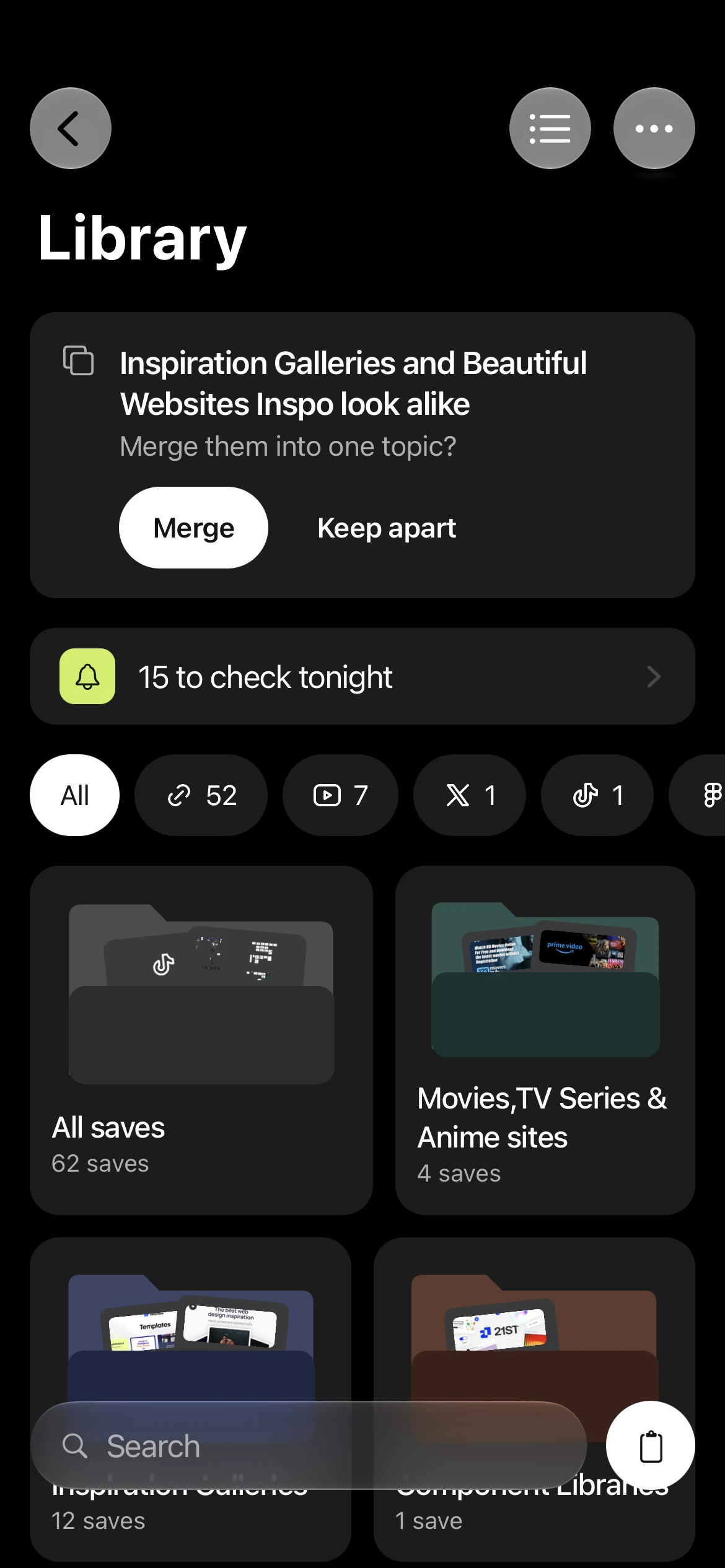
03A library of folders
Topics look like folders with the saves peeking out. When two topics look alike, Tuck offers to merge them.
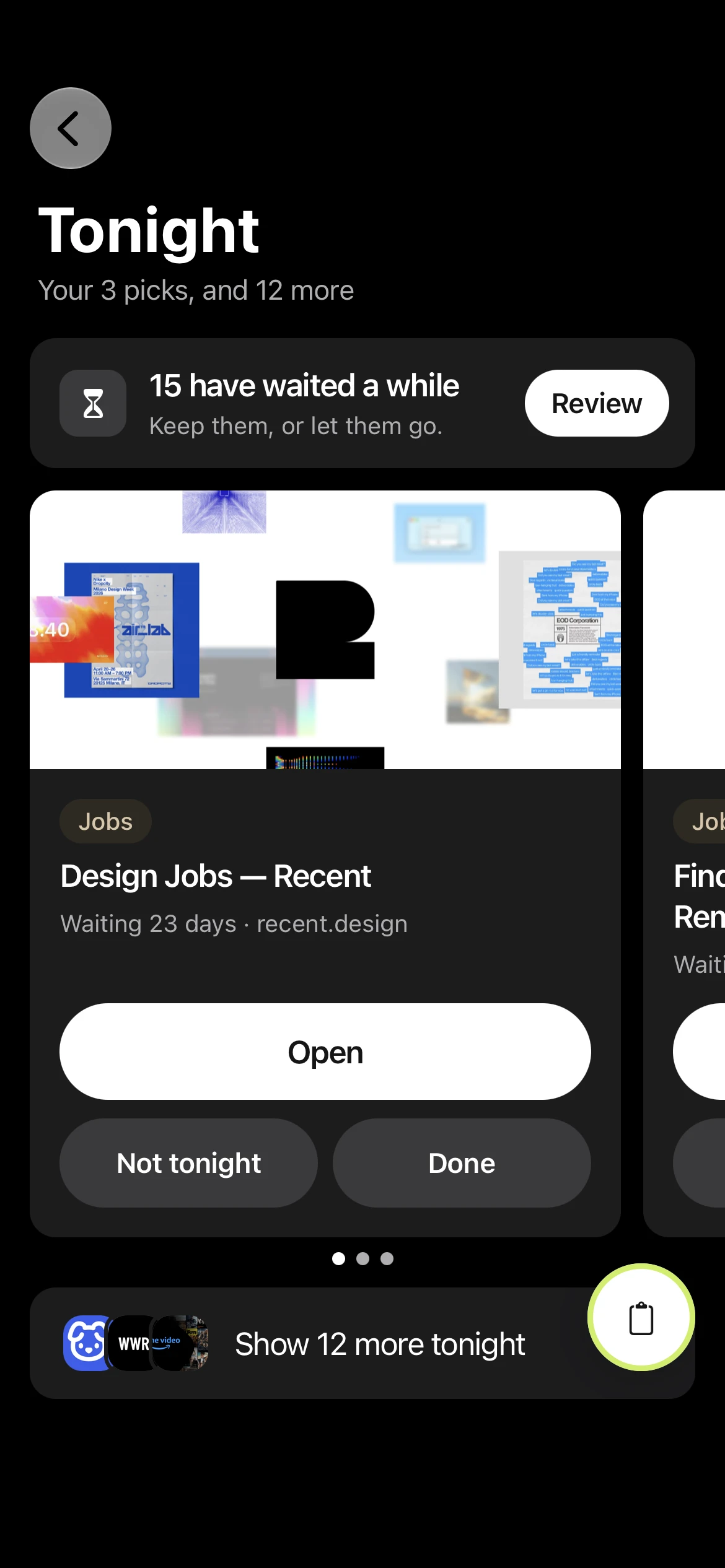
04Three picks tonight
The evening opens on three cards to swipe through. The other twelve wait one tap below.
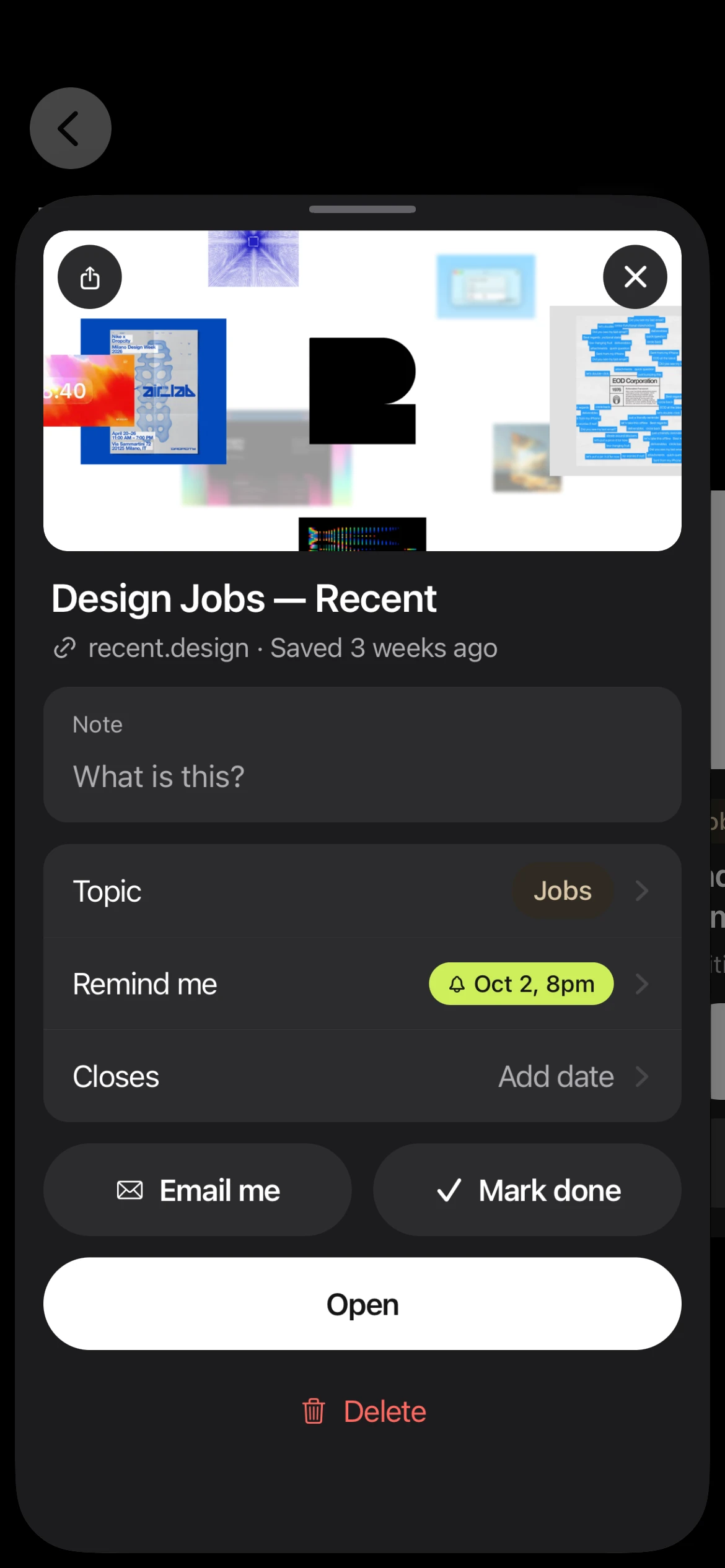
05Everything about a save
Its note, topic, reminder and closing date, with Open as the one big button.
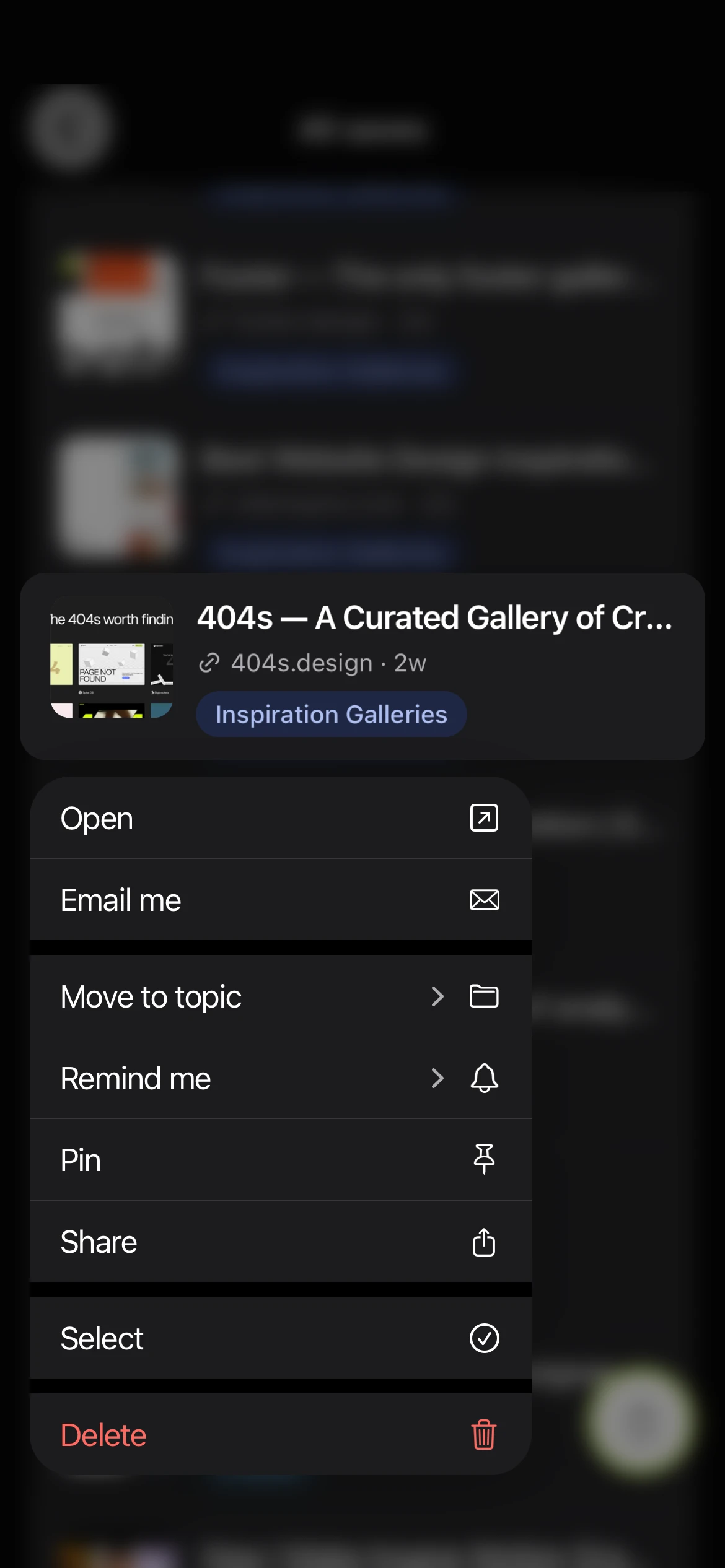
06Touch and hold
Move, remind, pin, share or delete without opening anything.
Where it stands
It costs nothing to run. I use it every day.
Tuck runs on free plans from end to end, and the Windows app is open on my laptop every day. Keeping it free shaped how I built it.
Tuck
What Tuck costs to runPer month
Sync and sign-inSupabase, free plan$0
Sign-in pages and update filesNetlify, free plan$0
Windows installersGitHub Actions$0
The iPhone app while I buildExpo Go$0
Signing the Windows appSkipped. Windows says "unknown publisher" once.$0
Apple developer accountNot paid yet, so no App Store and no share sheet.$99 a year
Running cost$0 a month
01Small updates for slow internet
Tuck for Windows updates itself in the background and downloads only the parts that changed, never the whole installer again.
02Sorting that learns from me
Tuck files each link on the device and learns from every move I make, with no account or key to set up. Smarter AI sorting is next, through people's own ChatGPT plans.
03One library on every device
A save on my phone shows up on my laptop, and the other way round. Sync and sign-in run on Supabase's free plan.
 Case study · Tuck · My own product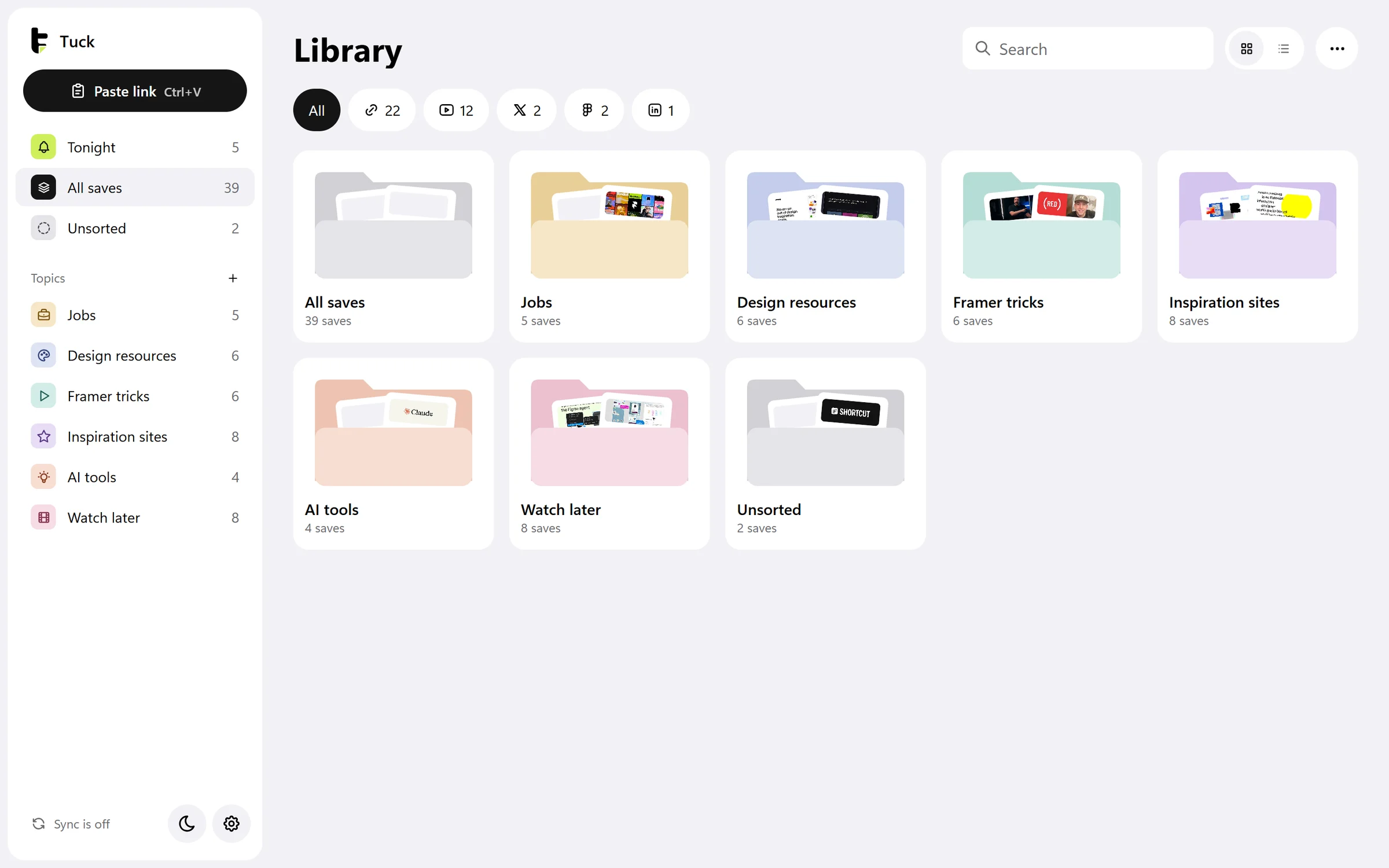
 Godly, design inspirationgodly.website
 Product Designer, Framerframer.com
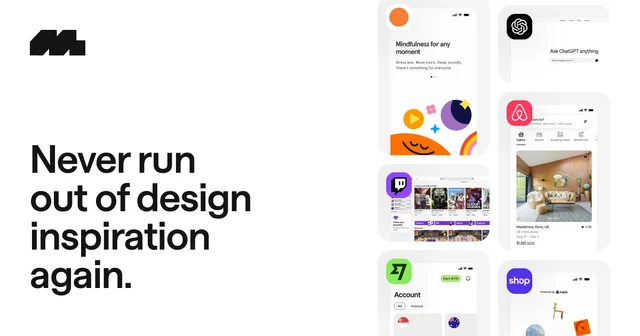 Mobbin, UI and UX design inspirationmobbin.com
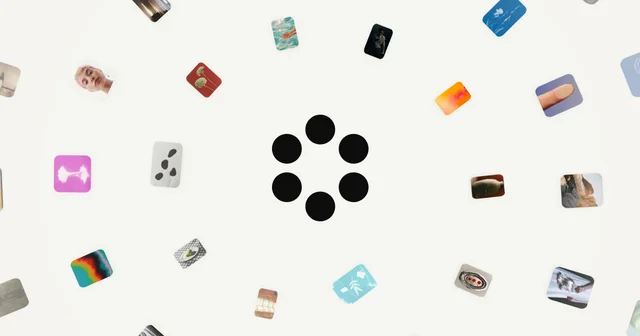 Cosmoscosmos.so